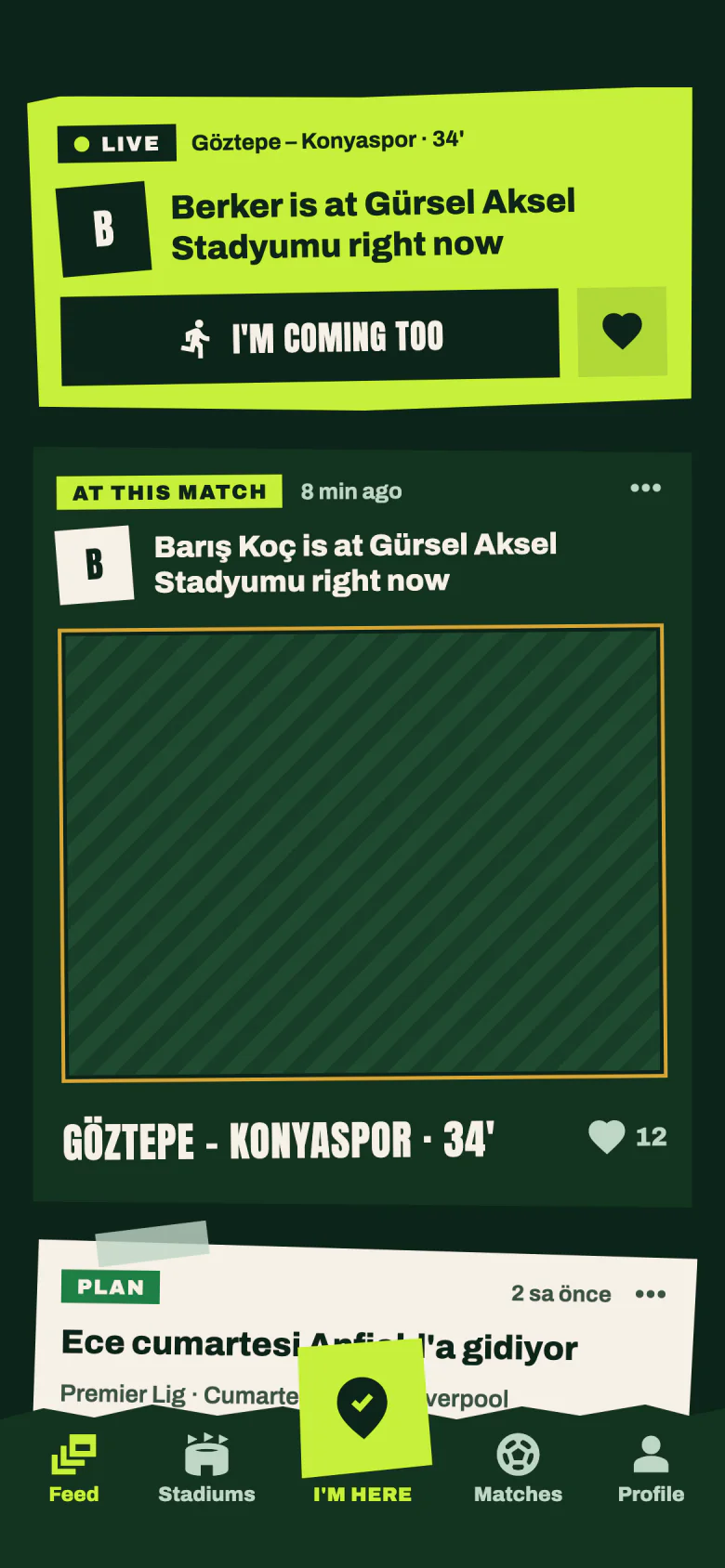
Your account is private by default: only your friends see your visits, photos, statistics, city and friend list, and everyone else sees your username, profile photo, your place on the leaderboards and your number of proven stadiums (you are on the leaderboards with 0 even before your first proven stadium); you also appear with your name and photo in your friends' friend lists, which everyone can see when that friend's account is public. Turn on “Public account” in Settings › Privacy and everyone in the app sees your account the way a friend does: your club, national team and city, your statistics, badges, stadium collection and match list, all your approved visits and photos (your archive and what you added earlier included), your season and year recaps and your friend list. Your “I'm going” plans for matches that have not kicked off can also show up in the feed of people who aren't your friends. A shot taken during a match shows that you are there right now, and a plan shows which match you intend to go to. People who aren't your friends can like your live proof photos and your plans, tap “I'm coming too” on a plan (which gives them their own plan for that match) and report the visits they see; there are no comments or messages. You see who liked your photos and posts, with their name and profile photo (nobody else sees that list), and when you like someone's photo, they see you. Photo likes from people who aren't your friends are notified once a day, without names; their plan likes and joins are not notified at all. Your “I'm here” check-ins stay friends-only even with a public account, and nobody but you sees your photos that are waiting for approval or were rejected, the stadiums you want to visit or your missions. Switch back to private and all of this stops showing to people who aren't your friends from then on; it may remain on the phones of people who already saw it, and a photo link someone got earlier can keep opening until you delete that photo. If you share a story card somewhere, whoever can see it there can see it. Details in the Privacy Policy.